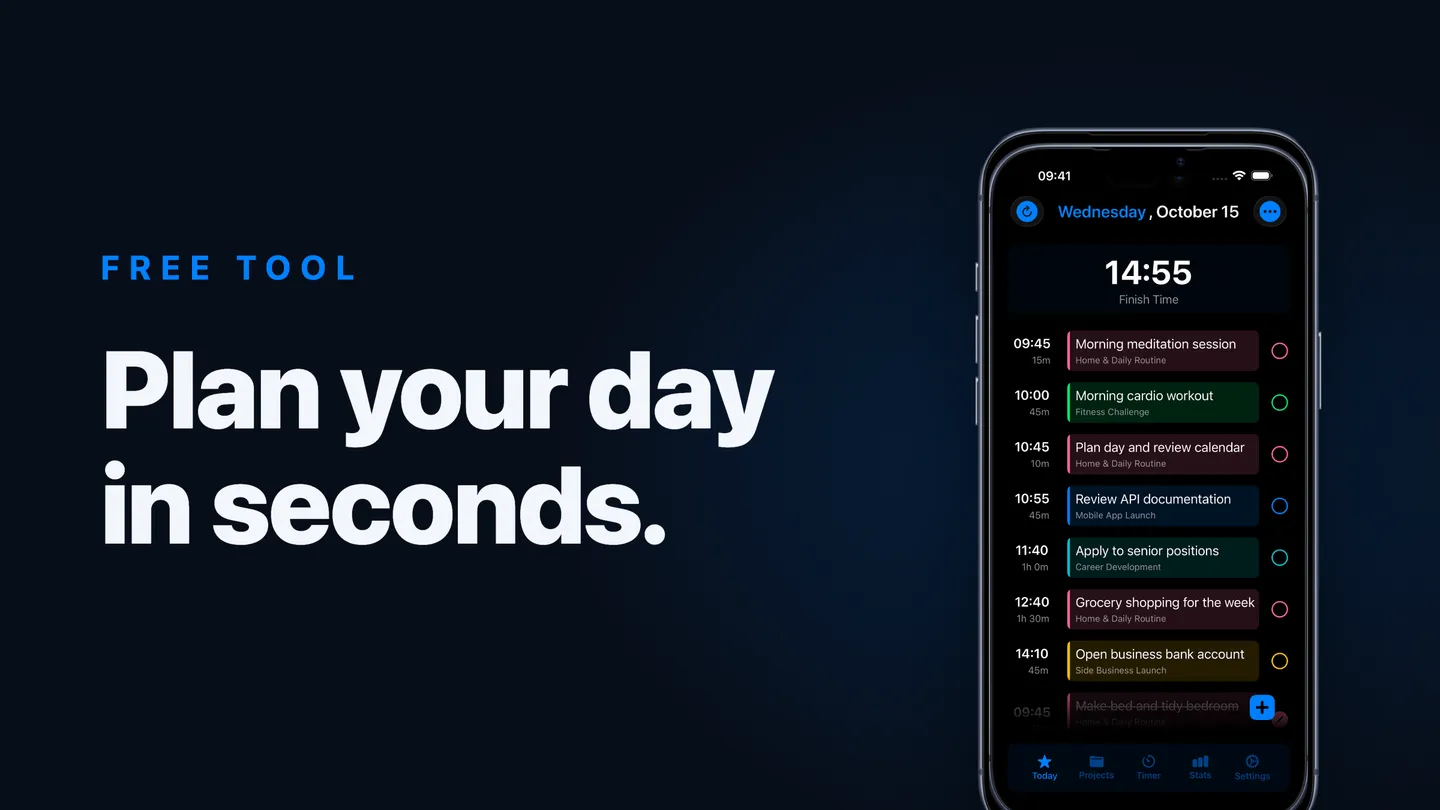
Most free online task managers are the same product wearing different clothes: a list, some checkboxes, maybe a due date. You write everything down, feel organised for eleven minutes, and then the list just… sits there while you work on none of it.
So we built something slightly different, and made it free: an online task manager with a built-in timer. No sign-up, no download, no trial that expires. Your list lives in your own browser and nowhere else.
What makes it different
One idea, borrowed from our app: every task gets a time estimate, and the tool adds them up.
That single change turns a list into a plan. Add “reply to emails, 20 min”, “write report, 45 min”, “prep for meeting, 15 min”, and the tool tells you the thing no ordinary to-do list will: you’ll be done by 3:40pm. If that number is absurd, you find out now, at the planning stage, instead of at 6pm.
Then you press Start on a task and work against a real countdown:
- The timer is anchored to the clock, so switching tabs doesn’t break it
- When you hit zero, a gentle chime plays and the timer keeps counting into red overtime, so a blown estimate is information, not a mystery
- Press Complete and move to the next task, with the finish time recalculating as you go
Who it’s for
Honestly? Anyone whose to-do list has become a guilt list. But it’s especially useful if you:
- Chronically overcommit because five tasks “feels like” an hour (it’s three)
- Lose whole afternoons to one task that quietly expanded to fill the day
- Have ADHD and need time made visible before it’s real. We’ve written about the research behind this in our piece on time blindness
- Just want a fast, disposable plan for today without creating yet another account
How to get the most out of it
- Estimate honestly, not optimistically. If you think it’s 20 minutes, it’s 30. Put 30.
- Keep tasks under an hour. “Write report” is a project; “draft the intro, 25 min” is a task you can actually start.
- Let the overtime run. Don’t reset a blown timer. Watch it. Overtime is your estimation error showing you its real size, and after a week of seeing it you’ll estimate noticeably better.
- Check the finish time before adding anything. That number is your overcommitment alarm.
Where it ends and the app begins
The free tool covers one day, one list, one browser. That’s deliberate: it’s a taster of a way of working.
The Set app is the full system built on the same idea. Your starred tasks form an automatic timeline with a start time for every task. When life interrupts (it will), one tap on the recalculate button rebuilds your whole day from now. There’s a distraction-free focus mode, an optional overdue alarm that keeps nudging until an overrun task is done, projects with stages, a rapid sort mode for messy backlogs, statistics, and sync across iPhone, iPad, and Mac.
But you don’t need any of that to start. Open the free task manager, put times on today’s list, and press play on the first task. The finish time will tell you the truth about your day, and that truth is where better days start.